
Printer Setup Instructions
The main account holder will have received an email with a link to set a password. Please click this link and create a password for your Ezeep account (Ezeep is the new print system).
Go to http://ezeep.com/download and click the link to download Ezeep for Desktop (for Mac or PC as applicable). Run through the installer with all the default settings.
Once installed, follow these simple steps to configure Ezeep:
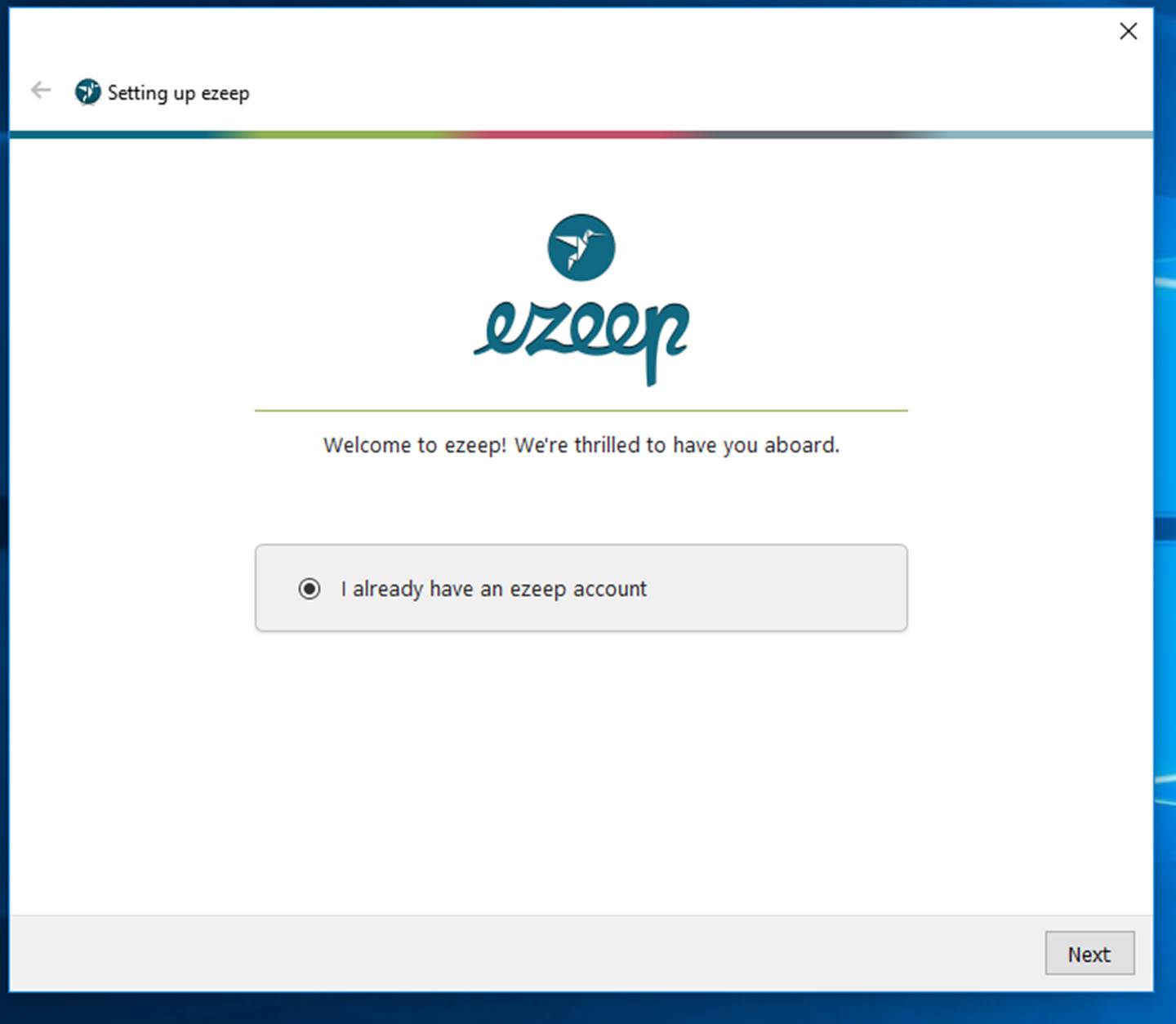
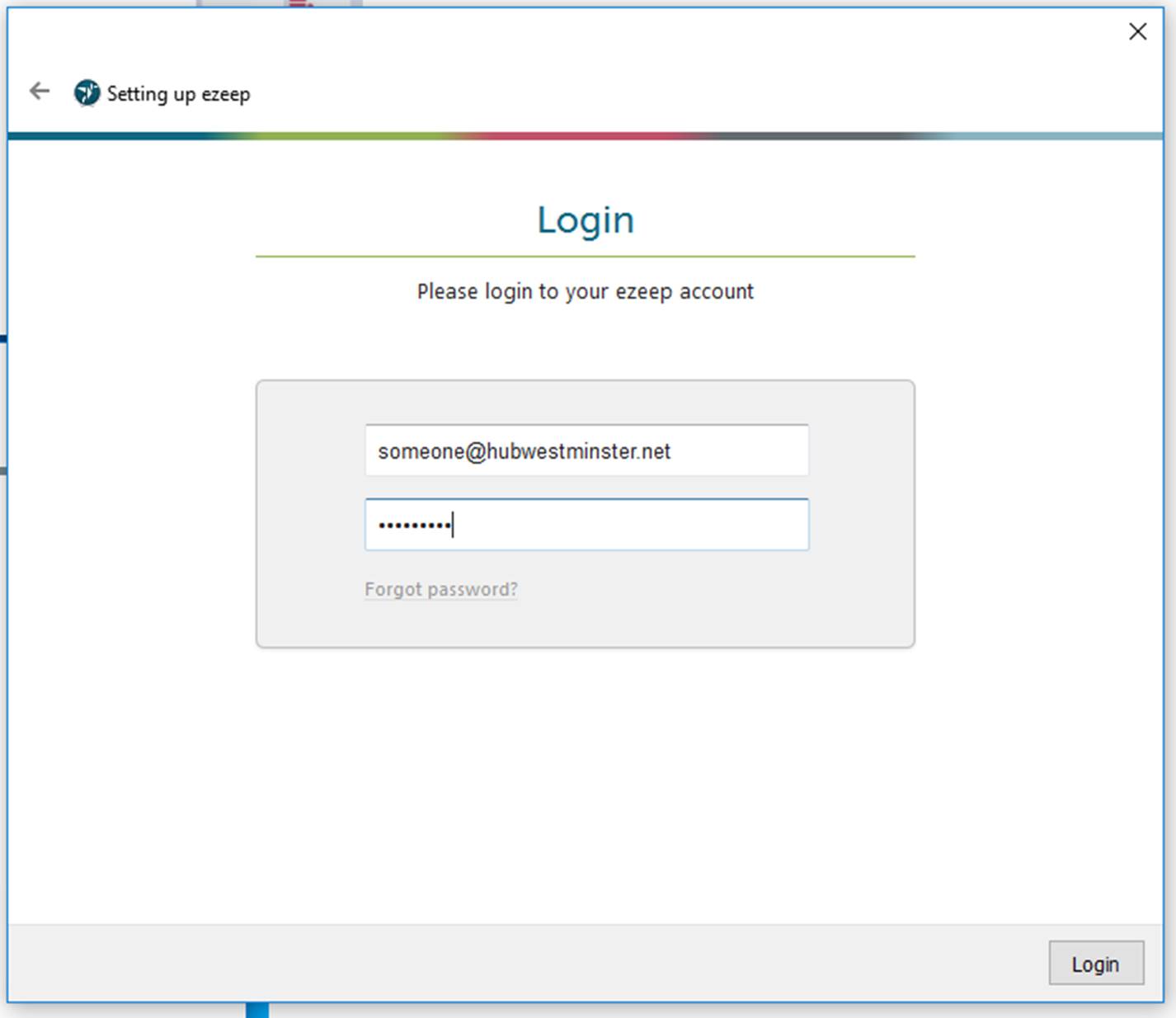
Fill in the email address and password you set earlier:
Once complete, Ezeep printers will show up alongside your normal printers
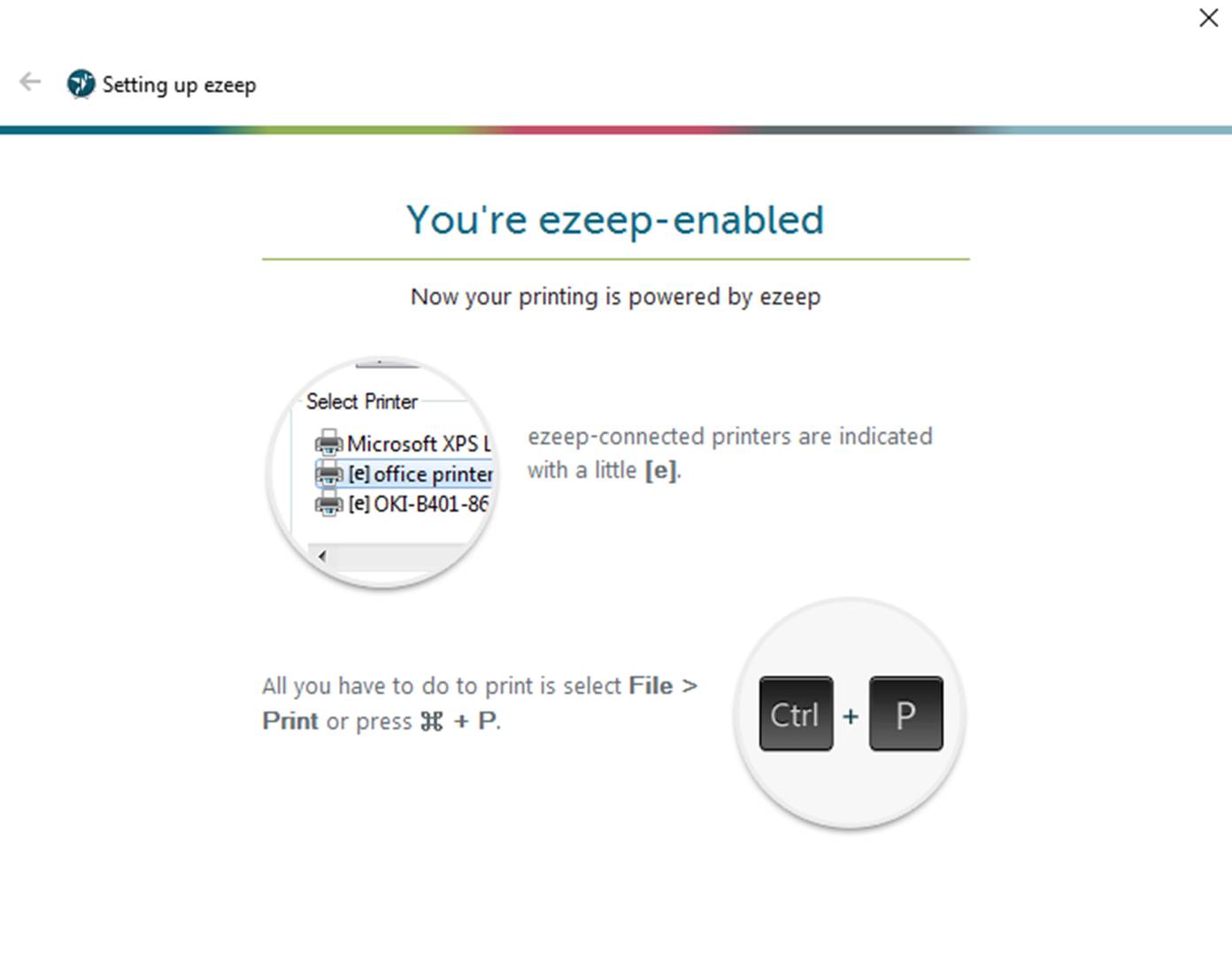
You should see a printer called [e] HubWestminster-Sharp
You’re good to go!
